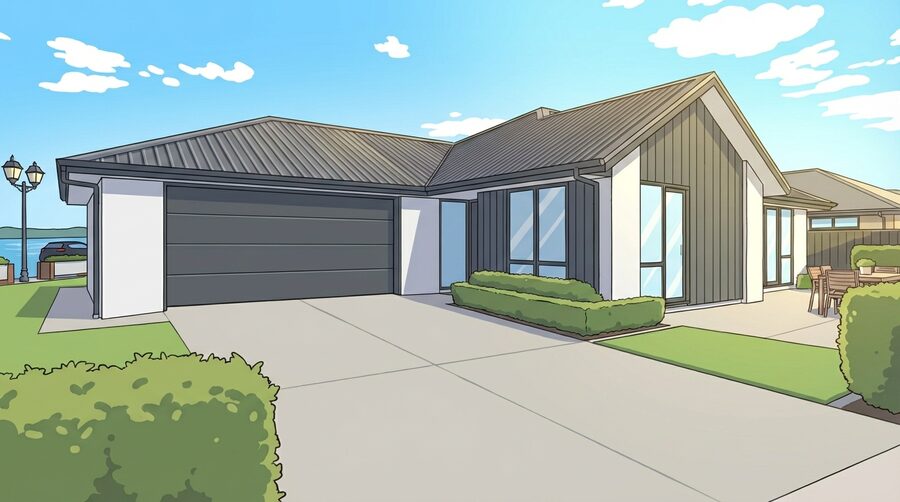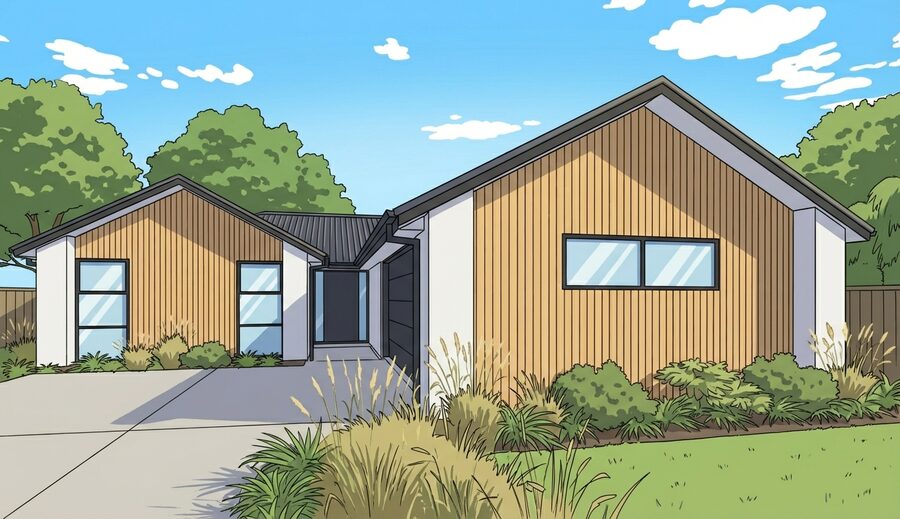
AI-powered takeoffs from residential PDF plans.

TRUSTED BY
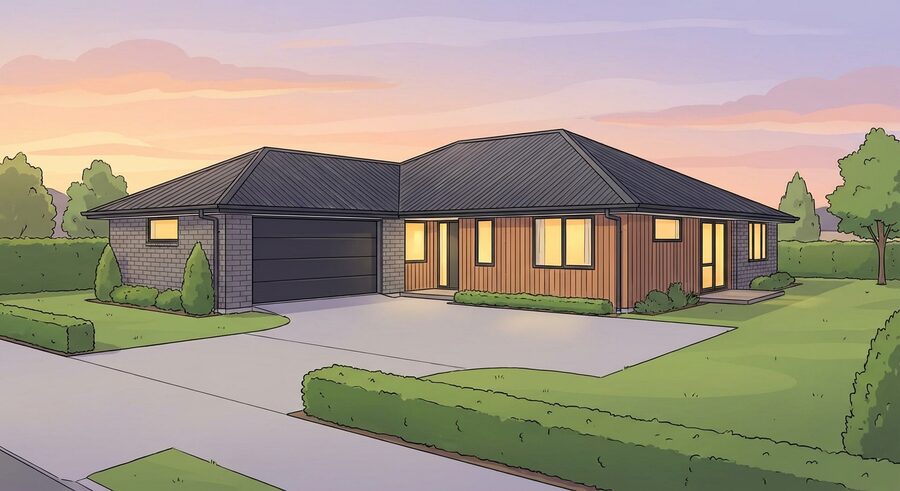
New Zealand residential house render

TAKEOFFQS IS BUILT FOR

Row of houses icon
Residential Builders
Warehouse with forklift icon
Material
Suppliers
Blueprint with tools icon
Independent Trades

From raw plans to takeoff measurements in minutes

Send accurate materials schedules in three steps — powered by our AI models.

Upload plans

Upload your NZ residential building plan PDF. Relevant pages are detected automatically or you select the pages you need.
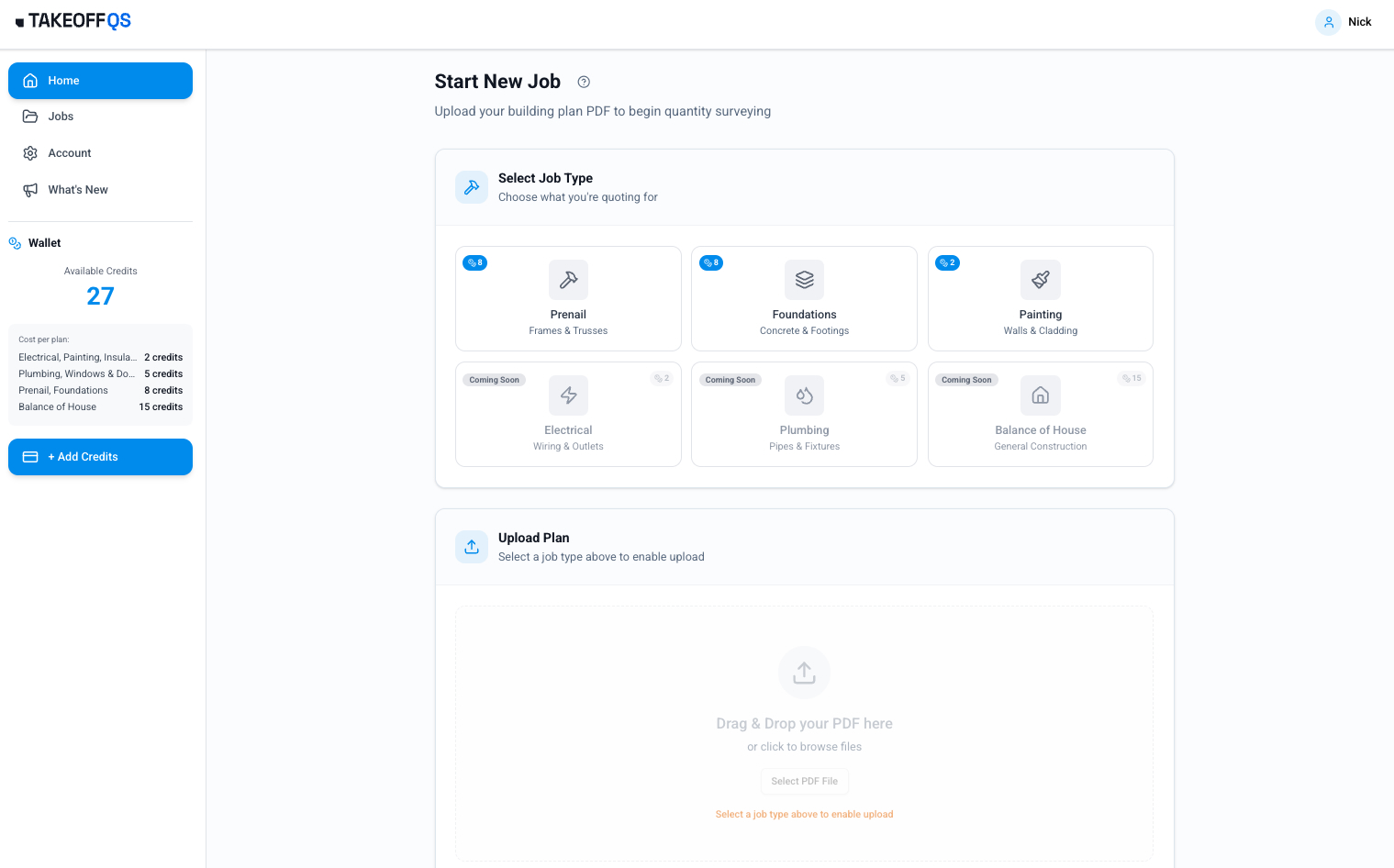
Upload building plan PDF screen.

Measure & verify

Measurements and quantities are calculated automatically. You verify and approve.
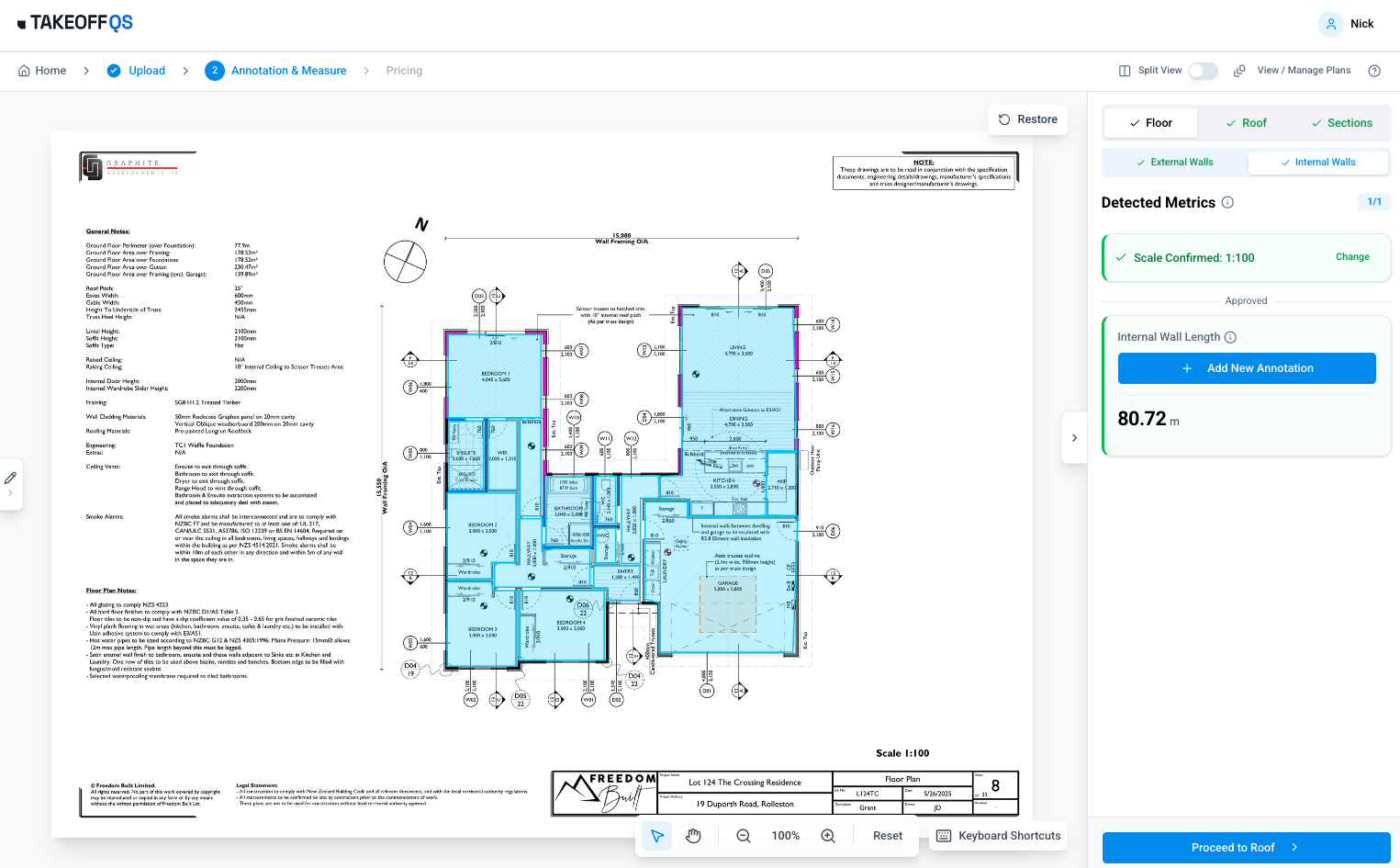
Measure and verify screen with detected metrics.

Price & export

Load your formulas and price books. Link measurements to items and prices. Download a priced-up spreadsheet. Send the quote and win the work.
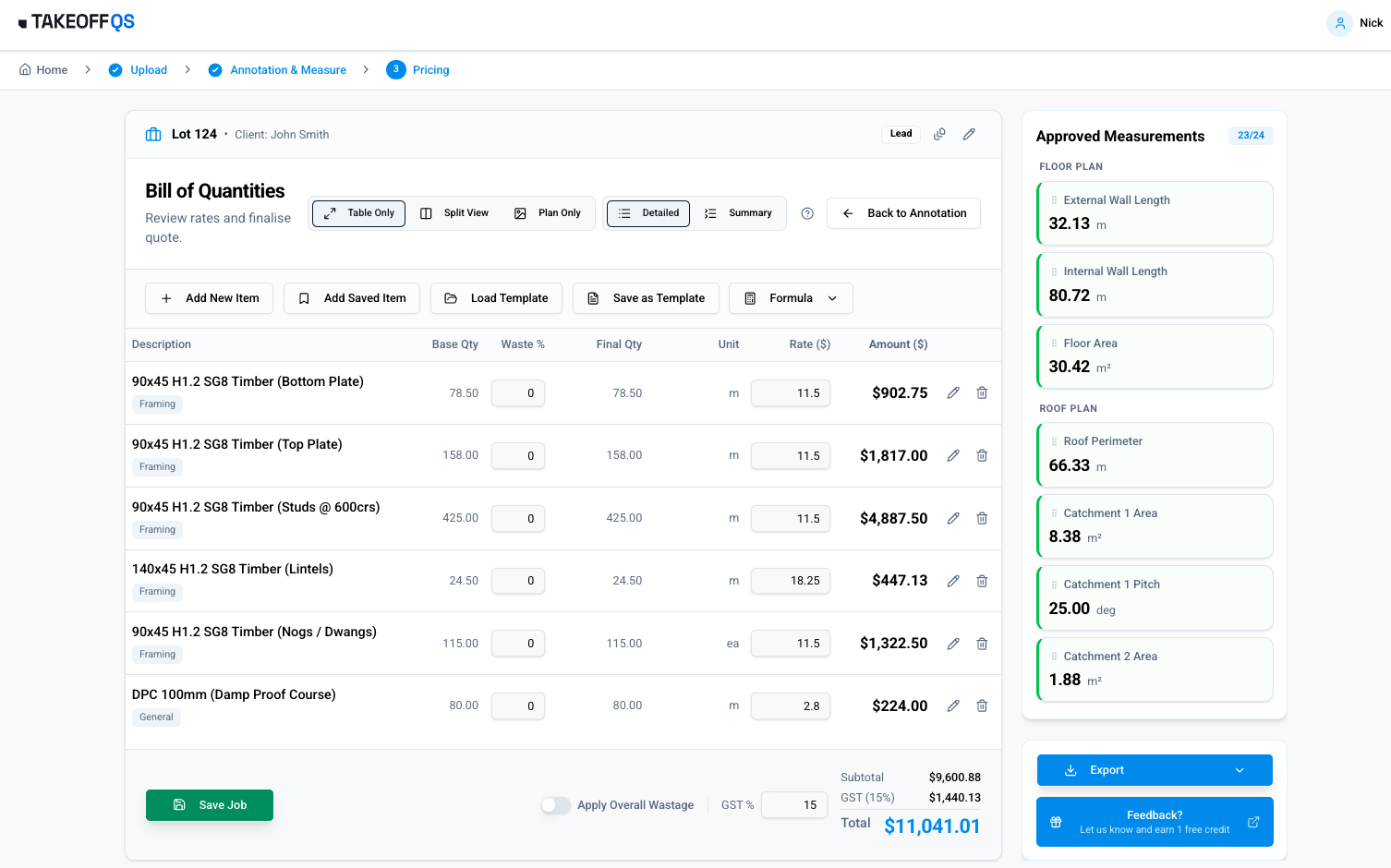
Export pricing screen with priced-up spreadsheet options.

TakeoffQS will save you time and money

2x your quoting throughput.

  • Quote faster icon
    Quote faster If you're first to get the quote back, you're more likely to win the job. TakeoffQS speeds up the process so you can respond same-day. Book demo
  • Clear backlog icon
    Clear the backlog TakeoffQS handles the measuring and the process, so your estimators can focus on winning more work. Free up hours each week for higher-value tasks. How we use AI
  • Tighten margins icon
    Tighten margins Precise takeoffs help your company and your clients. With TakeoffQS you'll feel confident in the numbers and send less waste to the skip. Try for free

Stop losing jobs to slow turnarounds

Manual Quoting
  • Hours of manual measuring per plan
  • Days pass before quoting can even start
  • Manual errors eat into your margins
  • Senior estimators stuck tracing lines
TakeoffQS
  • Draft, verified quantities in minutes
  • Same-day responses that win the job
  • AI + human verification protects your profit
  • Team freed up for high-value pricing strategy
New Zealand residential house render

Deployment roadmap

TakeoffQS evolves as we train it on more building plans. Performance will continue to improve and we'll expand coverage across more trades.

Live now
Balance of House Painting Pre-nail
Q2 2026
Concept Drawings Foundation Roofing Windows, Frames & Doors
Q3 2026
Electrical Plumbing

From the Industry. For the Industry.

Quantity surveyors are slowed down by manual measuring — and the pressure is growing. Fewer people are training as QSs, builders go to whoever responds first, and margins are tighter than ever. We built the fix right here in New Zealand. TakeoffQS combines decades of building experience with the latest AI technology to speed up the process industry-wide — find out more here.
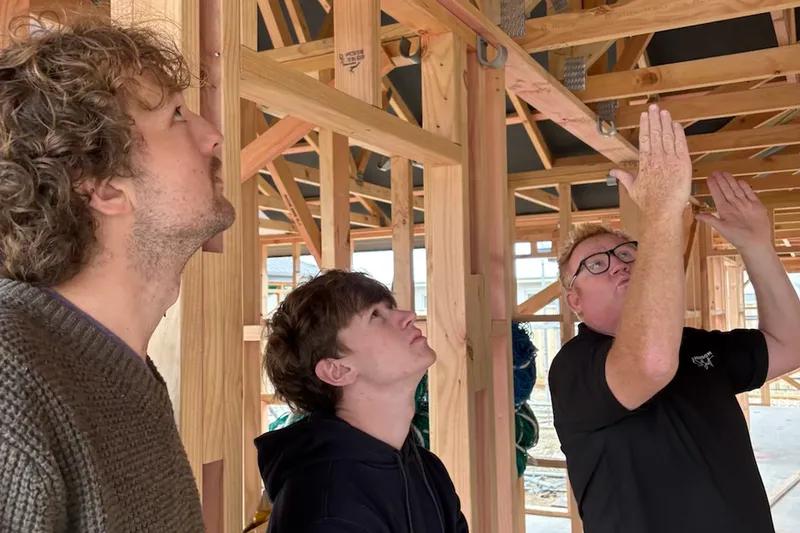

Three men inside a wooden house frame, one explaining something while pointing upwards.

Meet the team

Cole Askew
Cole Askew
Co-Founder
Brad Fraser
Brad Fraser
Co-Founder
Ben Sleeman
Ben Sleeman
Head of Sales
Bruce Aldridge
Bruce Aldridge
Head of Engineering
Tim Lindbom
Tim Lindbom
Computer Vision Specialist
Nick Latty
Nick Latty
Product Lead
Mel Shepherd
Mel Shepherd
Project Lead
Jonty Kench
Jonty Kench
AI Engineer
Glen Duffield
Glen Duffield
Design Lead
Jordi Franssen
Jordi Franssen
AI Engineer
Tina Stanke
Tina Stanke
Marketing Lead
Rohan Mehta-Hutchins
Annotation Lead

Pricing

Try now or contact us to discuss enterprise options.
Beta pilot phase

Early access available now

Trial
Try for free

✓ Access to all live models

✓ Computer vision measurements

✓ Export pricing to spreadsheet/PDF

Supplier / enterprise

White-label portal & API

Custom
Book demo
Book demo

✓ White-Labeled Portal: Your brand/domain

✓ Direct SKU Mapping: Your pricebook

✓ Volume Discounts: On a sliding scale

New Zealand residential house render

Read our FAQs

We’re here to help with any questions about our plans, pricing, or features.
What files can I upload?
How do I set the scale?
Can I try it without my own plans?
Do I need to install anything?
What does it measure today?
How fast is it?
Who is it for?
How accurate is TakeoffQS?
Do I still need to check the measurements?
How many plans can I upload at once?
What file formats are supported, and are there any file size or complexity limits?
What types of builds does it support?
Will TakeoffQS replace my QS?
Does the three-minute turnaround apply to all plans?
How does the beta pilot work?
How do I get access?
What about taxes and invoicing?
Can I get a refund if the takeoff is wrong?
How does it work for high-volume users?
Can I trust AI measurements?
How do I export?
Can I customise the output for my business?
What happens if the AI can’t read part of the plan?
How does TakeoffQS learn and improve?
Does it work with complex rooflines?
Is my data secure? / Where is data stored?
How do I get help?
Getting started
What files can I upload?
Clear digital PDF plans.
How do I set the scale?
Currently, you set the scale after uploading your plans.
Can I try it without my own plans?
Yes. You can load a sample plan and watch the quick demo (coming soon) to see how it works.
General
Do I need to install anything?
No. TakeoffQS runs directly in your web browser (Chrome, Safari, Microsoft Edge) on a laptop or desktop, so there is nothing to install.
What does it measure today?
The system currently covers pre-nail, balance of house, and painting (all live). Roofing, foundation, concept drawings, and windows, frames & doors are coming Q2 2026. Plumbing and electrical are coming Q3 2026.
How fast is it?
Most takeoffs are ready in a few minutes. You simply review the results, tweak if necessary and then export.
Who is it for?
Independent trades, residential builders/developers and merchants or suppliers who need to handle large numbers of quotes.
How accurate is TakeoffQS?
TakeoffQS uses artificial-intelligence models trained on New Zealand building plans to measure framing components. A human verification step ensures the output is checked before confirmation. In typical use, the system achieves a very small error margin; however, you should always review the measurements and adjust any lines or counts if required.
Do I still need to check the measurements?
Yes. TakeoffQS is an assistant—it detects and counts automatically, but you should verify the scale and ensure the lines and counts are correct before exporting.
How many plans can I upload at once?
You can upload one set of plans at a time. Builders and suppliers who need to process large numbers of plans can batch-upload files, and enterprise customers can scale the volume further by arrangement.
What file formats are supported, and are there any file size or complexity limits?
TakeoffQS accepts clear digital PDF drawings up to 50mb in size. It processes multi-page PDF sets (including 40-page documents and multi-dwelling plans), but very large or highly detailed files may take longer to process.
What types of builds does it support?
Today the tool focuses on single-storey homes. Support for multi-storey buildings, renovations, garages and sleep-outs is on the roadmap.
Will TakeoffQS replace my QS?
No. TakeoffQS reduces manual measuring and drafting, but it does not replace the expertise of a quantity surveyor. A qualified QS is still needed for detailed costing and compliance.
Does the three-minute turnaround apply to all plans?
The headline "3 minute" turnaround applies to clear single-storey house plans. More complex or very large files may take longer, but most plans are completed in minutes.
Pricing
How does the beta pilot work?
We're currently onboarding beta partners with tailored access. Contact us to discuss your needs and get started.
How do I get access?
Fill out the contact form or email us at support@takeoffqs.com. We'll get back to you to discuss your requirements and set up your account.
What about taxes and invoicing?
All pricing discussed during onboarding includes applicable taxes. Once you're set up, you'll receive proper tax invoices for your records.
Can I get a refund if the takeoff is wrong?
If you believe the takeoff output is inaccurate, please contact our support team. We will review the plan and work with you to resolve any issues.
How does it work for high-volume users?
We offer tailored solutions for builders, merchants, and suppliers who process a high number of plans. Contact us at support@takeoffqs.com to discuss your needs.
Accuracy & exports
Can I trust AI measurements?
TakeoffQS is an assistant: it measures and counts automatically, but you verify the scale and adjust lines before export.
How do I export?
You can export pricing as a spreadsheet or PDF.
Can I customise the output for my business?
Please contact us to discuss your specific needs at support@takeoffqs.com
What happens if the AI can't read part of the plan?
You are always in control. If a portion of the plan is unclear, you can manually adjust or redraw the line on screen before exporting to ensure 100% accuracy. We appreciate screenshots of any issues sent to support@takeoffqs.com so we can train the model to improve.
How does TakeoffQS learn and improve?
The system continuously learns from New Zealand building plans. Each processed plan helps refine the model, improving recognition of key measurements across all live modules.
Does it work with complex rooflines?
Yes. TakeoffQS calculates area and pitch for trusses and is designed to handle a variety of roof shapes. For very complex roofs you should carefully review the output and make adjustments as needed.
Data & support
Is my data secure? / Where is data stored?
Yes. Your files are encrypted in transit and at rest. Roboflow may process data in and outside the United States. We do not sell your personal contact information. If you require strict data-residency in Australia or New Zealand, contact us at support@takeoffqs.com.
How do I get help?
Email support@takeoffqs.com during New Zealand business hours. The team aims to reply on the same day.

Contact us

Your Message Has Been Sent
Oops, something went wrong! Try again.
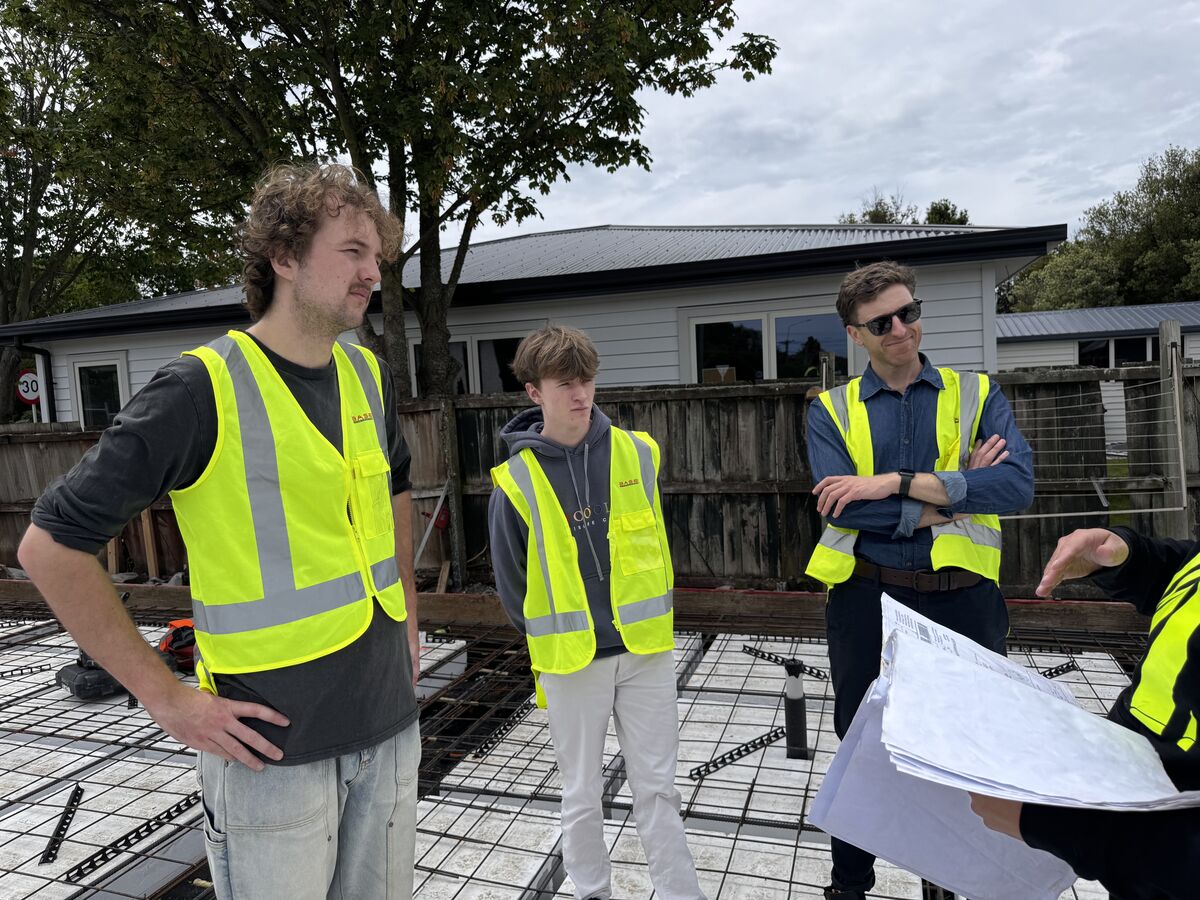
Three men wearing yellow safety vests at a construction site reviewing blueprints.